Frequent issues with Hayward Aqua Rite, Aqua Trol, Swim Pure, Pro Logic and Aqua Logic
Is your Hayward salt system showing an error, or not making chlorine anymore? Here are the problems we see most often, what you can check yourself, and when the board needs a repair. Good news: when the salt reading is wrong, about 95% of the time it’s a worn cell, not the board.
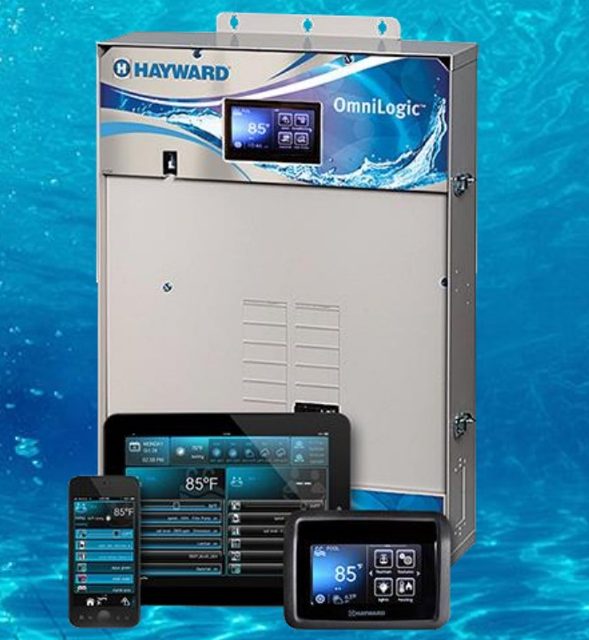
Applies to: Aqua Rite, Aqua Trol, Swim Pure, Aqua Nature, Aqua Rite PRO, Pro Logic, Aqua Logic / Aqua Plus, OmniLogic and OmniPL.
Salt system problem? Find out in 2 minutes if you need a repair
Most low-salt problems come from a worn cell, not the board. Answer a few questions to know what to do, before you call.
Start the troubleshooting guide
Or start with your system:
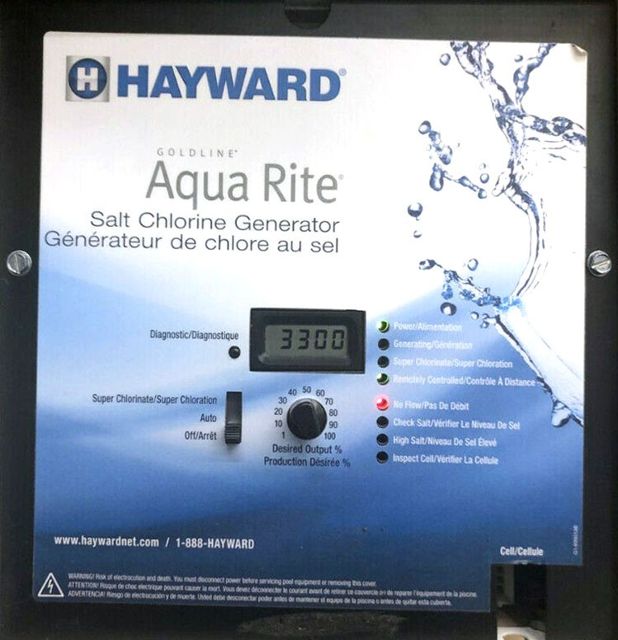
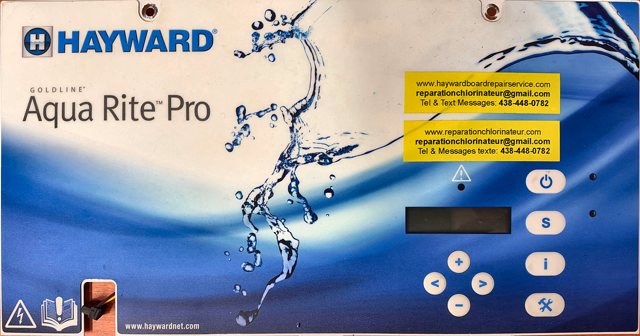
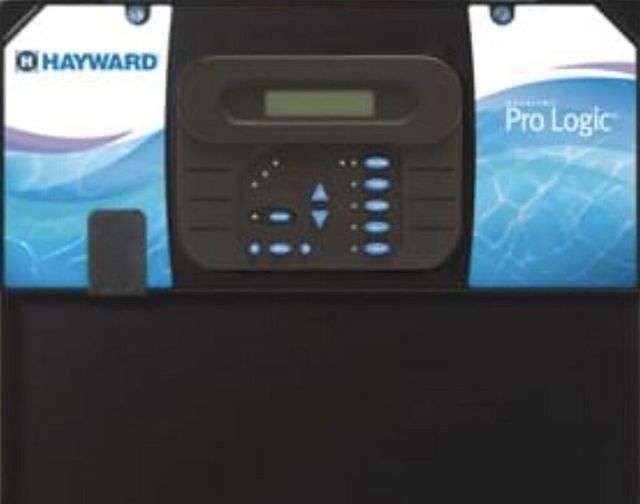
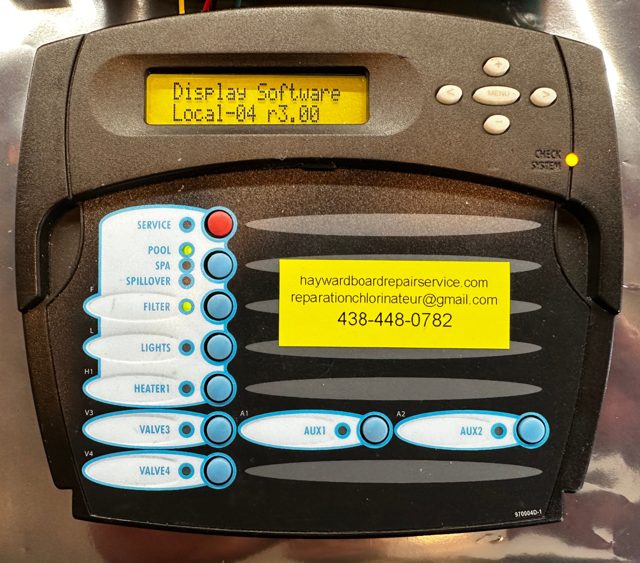
Still not solved after the guide? Call us at 438-448-0782.
Salt and cell problems (the most common)
The salt reading is wrong
The system has no salt sensor: it calculates the salt from the cell. A store water test and the instant salt test tell you if it’s the cell or the board.
Check Salt and Inspect Cell lights on
Not enough salt, or a cell at the end of its life. Check the salt at a pool store first, then the cell type set in the system.
How to test your salt cell
The instant salt test (press Diagnostic 5 times) takes one minute and compares the cell reading with the store test.
Reset the salt average
The instant reading is good, but the display is still wrong? The 24-hour average is simply lagging behind.
Lights, display and power
No lights on, but the display works
The Power light must always be on. If it’s off, the board needs a repair. That costs much less than a new cell.
Nothing lights up (no display, no lights)
Often it’s the GFCI outlet. Check the outlet, then the yellow 20 A fuse, before blaming the board.
“PCB” shown on the display
This is a board problem, often intermittent at first. We can repair it.
The buttons or the Diagnostic button don’t respond
A simple cleaning often fixes it. Our videos show how to do it yourself.
Pro Logic, Aqua Logic, Aqua Rite PRO and OmniLogic
“No Cell Power” shown
Check the yellow 20 A fuse. If it’s good, or if it blows again, the main board needs a repair.
“COMMUNICATION ERROR” shown
Unplug the accessories to find out if the error comes from an accessory, the main board or the display.
Other problems
No Flow light on
It’s usually the flow sensor, not the board. The guide shows you how to test the sensor out of the pipe.
HOT or COLD shown
Compare the temperature shown with the pool. With the cell unplugged, the board must show 77 °F or 25 °C: if not, the board reads wrong.
Too much chlorine in the pool
Press Diagnostic 4 times: the value ending with P must match the dial. If not, the board needs a repair.
Inspect Cell light flashing alone
This is not a fault: it’s a 500-hour reminder. Inspect the cell, then hold Diagnostic a few seconds to turn the light off.
Helpful videos
- Aqua Rite troubleshooting and cell type setting (YouTube)
- Reset the salt average (Facebook)
- Switch from g/L to ppm and from °C to °F (for example, 3200 instead of 3.2)
- Clean the Diagnostic button (Facebook)
- Pro Logic or Aqua Logic buttons not responding (Facebook, in French)
- Test to check that your control button works (Facebook)
- Remove the board: Aqua Rite · Pro Logic, Aqua Logic (YouTube)
Chlorine production calculator
How much chlorine does your system make with your setting? Pick the cell, the percentage and the pump hours: the result shows in grams, pounds and ppm.
Worn cell: we don’t repair cells
We don’t test or repair salt cells. We refer you to Pool Cell Repair (Saint-Jean-sur-Richelieu, Quebec), who replace the plates, the heart of the cell, for a fraction of the price of a new one. Contact them directly.
Does your board need a repair?
We repair original Hayward boards within 1 to 2 business days after we receive them, with a 1-year warranty. By mail (Canada, USA and other countries) or by appointment in Mont-Saint-Hilaire, Quebec.
Questions? Call us at 438 448-0782.
Frequently asked questions
How do I know if my salt cell is working?
Have your water tested at a pool store, then do the instant salt test: switch to OFF then back to AUTO, then press Diagnostic 5 times. If the instant salt is far from the store test and the cell type is set correctly, the cell is almost always at the end of its life.
How do I reset my Hayward salt system?
The “reset” that fixes a lagging salt display is the salt average reset: show the instant salt (press Diagnostic 5 times), then slide the switch to SUPER CHLORINATE and right back to AUTO. Watch the video.
Why is the salt shown different from the store test?
A gap of a few hundred ppm (up to 500) is normal. Beyond that, check that the system is set for your cell (T-5, T-9, T-15…), then do the instant salt test. Store tests are sometimes off by up to 1000 ppm: if in doubt, have the water tested at a second store.
My cell is only three years old. Can it be worn out?
Yes. A cell lasts about 10,000 hours of operation, and it wears faster if the percentage is set too high. Check the serial number on the sticker: on an original Hayward cell, it starts with 1E or 3E followed by the year (3E21 = 2021). It’s often older than you think.
Do you repair salt cells?
No. For a cell, contact Pool Cell Repair. We repair the original electronic boards: Aqua Rite, Aqua Trol, Aqua Rite PRO, Pro Logic, Aqua Logic, OmniLogic and OmniPL.